
If you choose to share the dicom file using other platforms such as dropbox, google drive, the following steps need to be done. If you choose to share the dicom file using dicomlibrary please click here.
1. CREATE LINK/ SHARE LINK: from the platform you use such as dropbox, google drive, etc.
2. Copy the link: from the site where you have uploaded the scan volume or radiologic image.
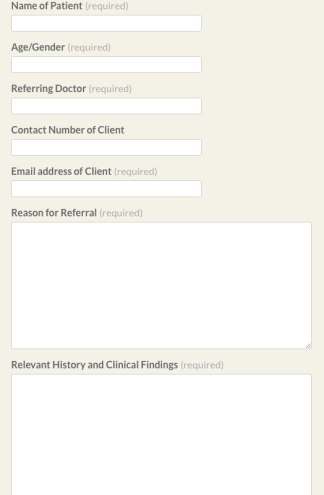
3. Fill the Enquiry form:
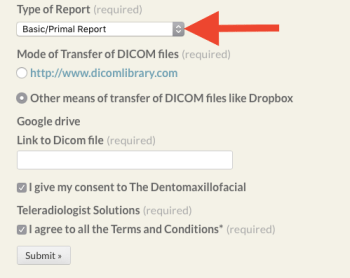
4. Select the type of report needed:
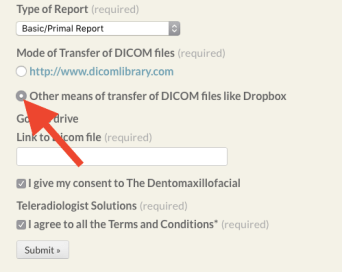
5. Check the box with the caption: “Other means of transferring dicom files”
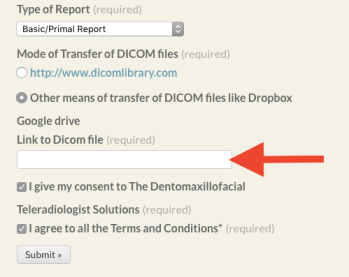
6. Paste the link in the text box:
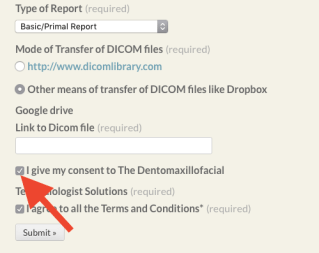
7.Tick on the checkbox to give consent for proceeding with the service:
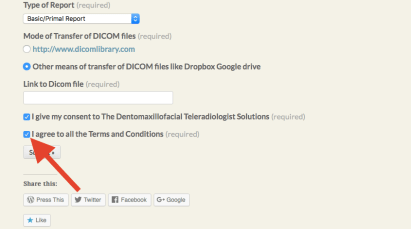
8. Tick on the checkbox to agree to all the terms and conditions:
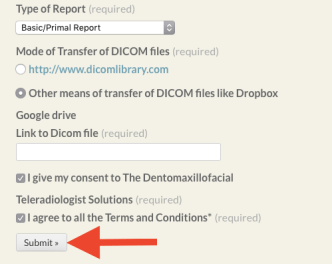
9. Click on the “Submit” button:
 Dental Radiology Solution